Reviews on autopilot
Good work deserves to keep working.
Set Starworks up once and it runs after every completed job. Review requests and optional follow-ups send themselves by SMS and email at a sensible moment, so your reputation keeps moving without another daily task.
Review request
Coastline Mobile Detailing
Dana McIvor
“Car came up better than the day we bought it, and the interior was spotless. Easy to book again.”
The principle
Ask while the experience is fresh, not while you are trying to remember.
Most happy customers are willing to share feedback. The request simply gets missed in the rush of the next job or quote. Starworks links the review request to a real completion moment and handles the routine delivery.
- Use SMS and email so the request reaches the customer in a familiar place.
- Send from a recognisable business context with a direct review path.
- Keep the owner informed without requiring them to send every message.
The workflow
From completed work to a public customer story.
- Step 1
Work finishes
A job or callout reaches the completion point you choose.
- Step 2
Send window opens
Starworks waits for a time that suits the service and customer context.
- Step 3
The request arrives
A clear SMS and email make the review path simple to follow.
- Step 4
Feedback compounds
The new review adds fresh proof for the next customer deciding.
Real customer outcome
Close to 100
New 5-Star Google Reviews for each business, in a couple of weeks.
“Their team has been great to deal with, and we’re really happy with the service.”
Job completed
Northline ElectricalThe power is back on and the site has been left tidy.
Request window
ReadyThe message is held until the selected after-job window, then sent by SMS and email.
Follow-up boundary
OptionalIf the customer has not responded, Starworks can send a reminder inside the chosen window, then stop.
Send-window timing
Timing should fit the experience.
A plumber can ask soon after the repair is complete. A landscaper may wait until the new garden has settled. A detailer can ask while the customer is still looking at the car. Starworks gives the business a defined send window instead of treating every job the same.
- Start
- Choose the completion signal that opens the workflow.
- Send
- Set when the first review request should reach the customer.
- Stop
- Keep evenings, weekends and the trade context within clear boundaries.
Thoughtful follow-up
A reminder for the customer who meant to do it later.
A missed review request is usually about attention, not intent. Starworks can send a concise follow-up without extending the sequence indefinitely. Once a customer responds or the window closes, the workflow ends.
Still relevant. Every reminder stays tied to the original customer experience.
Response received. A completed review removes the customer from the sequence.
Window closed. The workflow stops at the limit you set.
First request
Thanks for choosing Northline Electrical. If you have a moment, could you share how the job went?
Friendly reminder
Just a quick reminder in case this slipped past. Your feedback helps local customers know what to expect.
The sequence stops after the chosen window.
Priya Nair
“Turned up when they said, explained the fix before starting and vacuumed up after themselves.”
Reply support
Thank you, Priya. Glad the team explained it properly and left the place as they found it.
Replies that show care
A review is the start of a public conversation.
Thoughtful replies show future customers that the business is present and attentive. Starworks helps prepare an appropriate response in the business’s tone, leaving the owner with context and control.
Specific
Acknowledge what the customer actually said, not a stock template.
Considered
Keep sensitive or complex feedback with the owner.
Current
Maintain a public profile that shows the business is paying attention.
Review stands
A physical companion for the moment customers are with you.
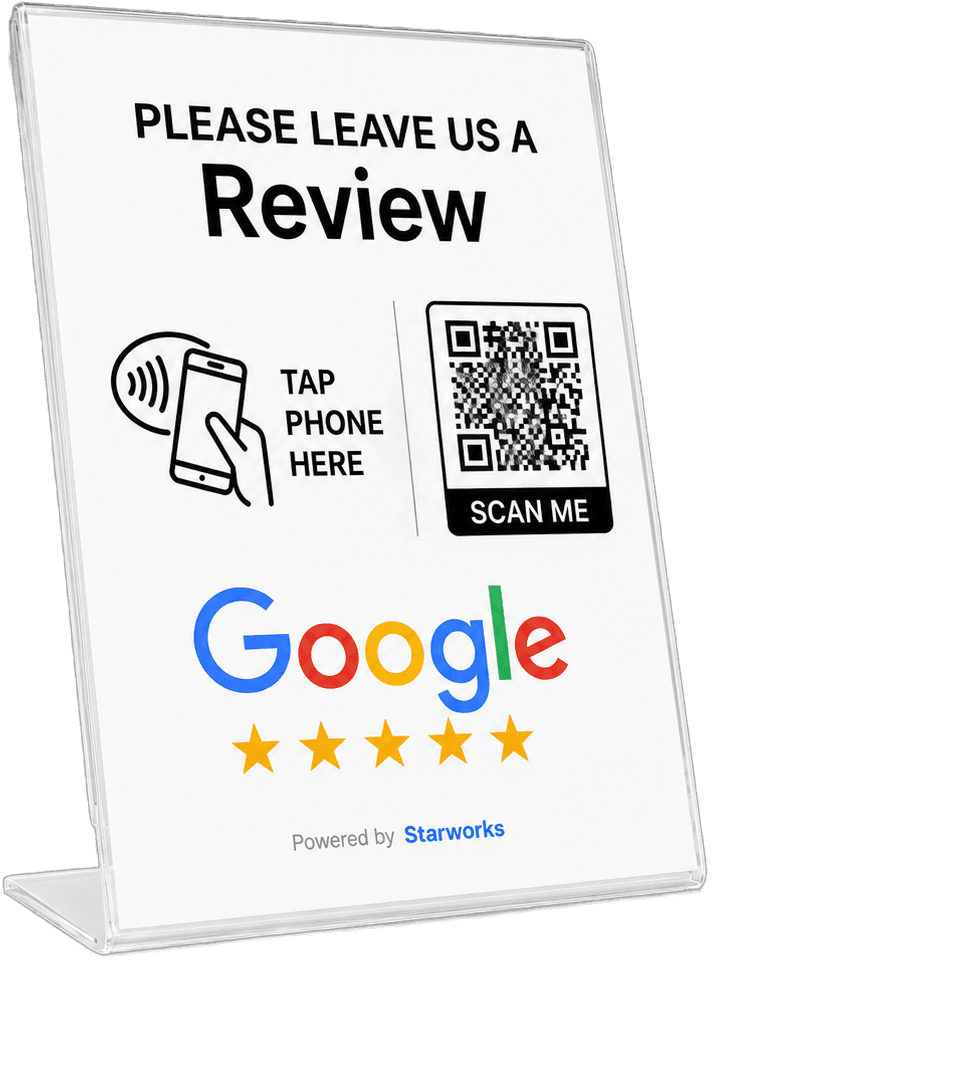
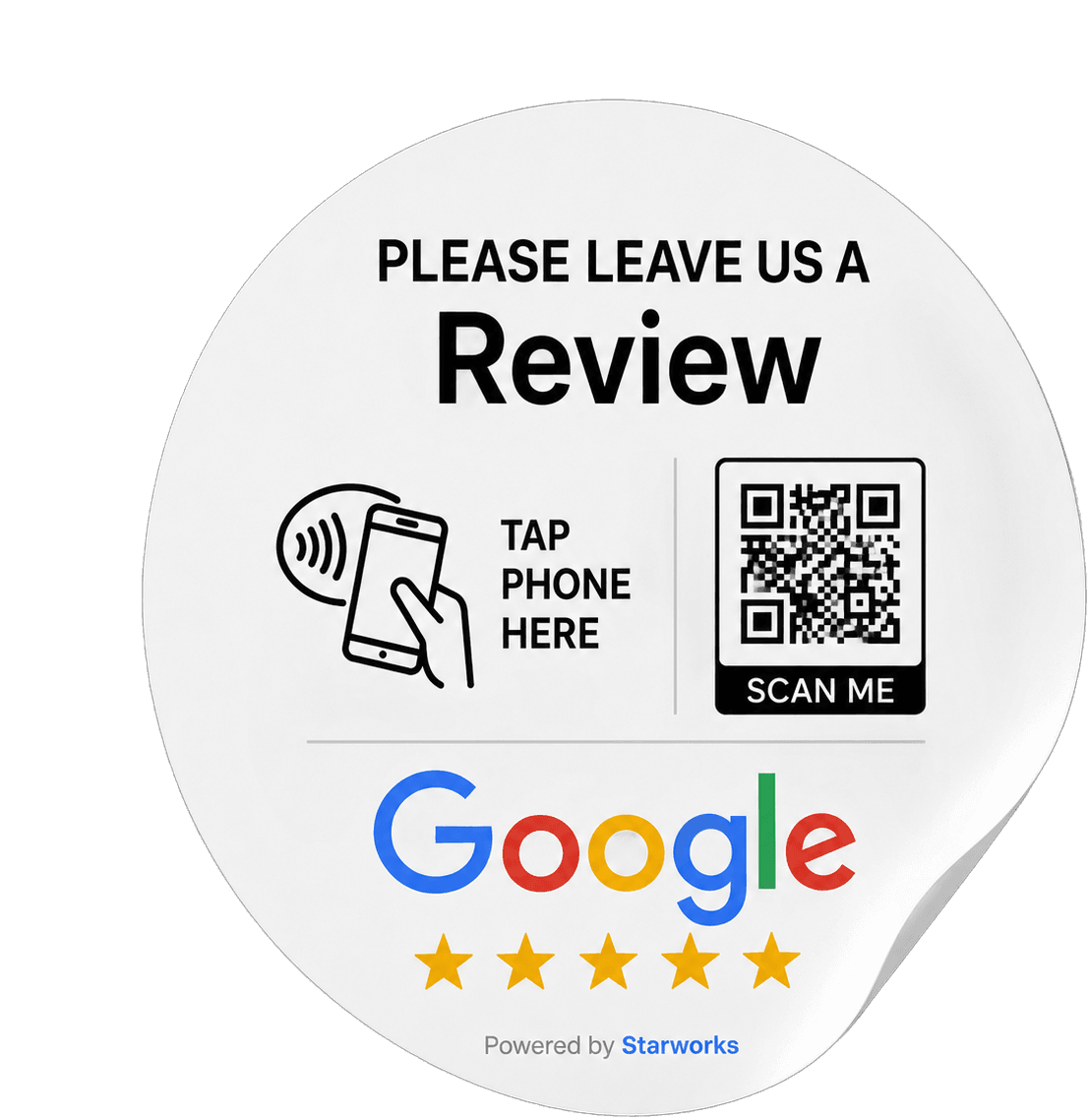
A counter stand or window sticker gives customers a simple way to leave a review while they are with you. They can tap or scan, with no app to install, then land on a review page branded to your business.
Why reviews matter next
Every current review strengthens discovery.
Reviews help customers compare, give Starworks score and ranking pages better evidence, and provide the specific language AI services can use to understand a business. The review engine comes first because it feeds the next two parts of the system.
Let every good customer experience keep working.
Set the right review request timing once, then let Starworks keep your public proof current.